

Partners
Partner dashboard sign-in
Open a connected workspace in the normal Revyl dashboard from an approved partner integration
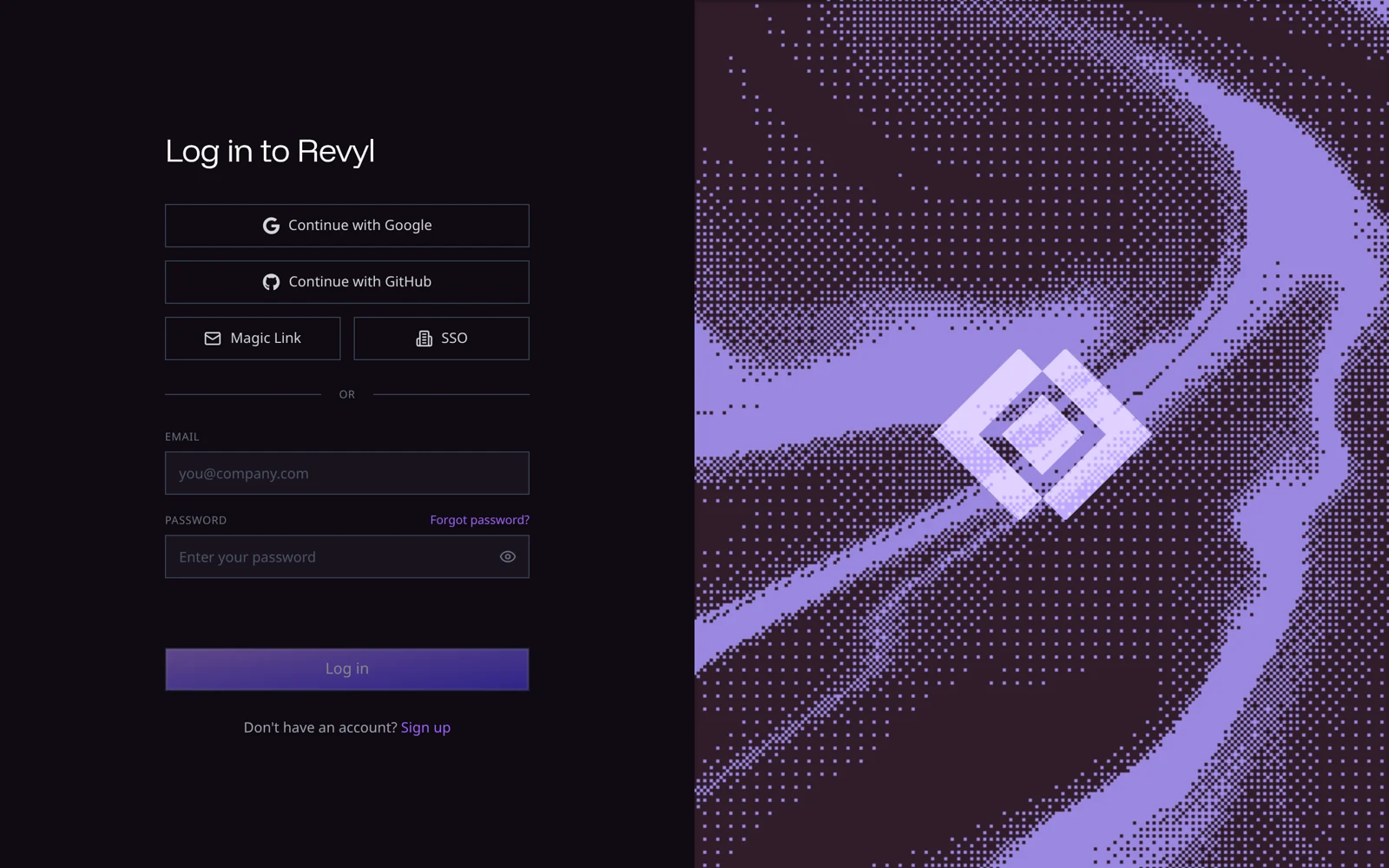
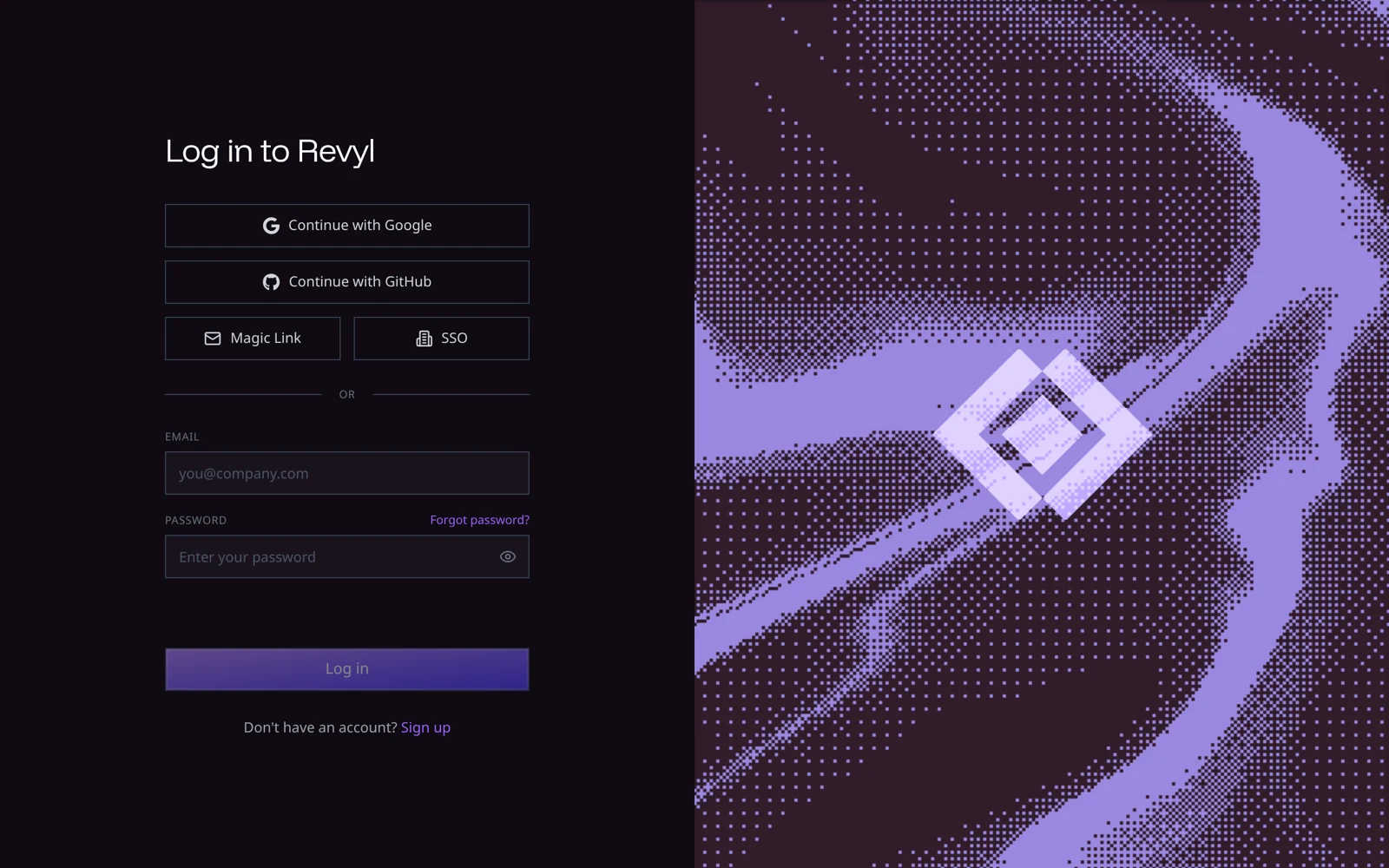
This API creates a normal Revyl login handoff. It never creates a partner-scoped session or signs a person in automatically.
Request a dashboard link
Call POST /api/v1/partner/connections/{external_account_id}/dashboard-links
with your partner API key, not a connected workspace credential. The account
must have a live connection, and the request has no body. REVYL_API_BASE_URL and
PARTNER_API_KEY are set as in Connect accounts.
curl --silent --show-error --request POST \
  "${REVYL_API_BASE_URL}/api/v1/partner/connections/acct_123/dashboard-links" \
  --header "Authorization: Bearer ${PARTNER_API_KEY}" \
  --header "X-Request-Id: $(uuidgen)"
HTTP 200 returns Cache-Control: no-store and:
| Field | Meaning |
|---|---|
url | The normal Revyl login destination. Open it unchanged. |
requires_login | Always true in the current contract. |
expires_at | Always null in the current contract. |
The URL is Revyl's normal login page with an encoded return destination for
/dashboard?organization_id=<ORGANIZATION_UUID>. After the person signs in,
Revyl selects that workspace if their account belongs to it; otherwise Revyl tells them they
don't have access to it. The organization ID
is a destination selector, not proof of access. Known limit: a magic link opened
in a new browser tab loses the destination and lands on the person's default
workspace, which is correct for partner-created users who belong to a single
workspace.
Offer the button to the person who should use the connected workspace, but do not treat the partner key as a user identity. Normal Revyl authentication, organization membership, permissions, MFA, session lifetime and logout controls still apply.
Handle failures and quotas
The endpoint uses the existing partner error shape:
{
  "error": {
    "code": "not_connected",
    "message": "There's no connection for this external account."
  }
}
Use error.code, not message text, to decide what to do.
| HTTP status | Code | Next step |
|---|---|---|
| 400 | invalid_request | Correct the external account ID or request. |
| 401 | invalid_partner_credential | Check the server-side partner key. |
| 403 | partner_not_allowed | Confirm the integration is enabled in this environment. |
| 404 | not_connected | Restore the account's connection. |
| 429 | rate_limited | Honor Retry-After and reduce request frequency. |
| 503 | temporarily_unavailable | Honor Retry-After with bounded backoff. |
The partner and account quota headers are present on successful responses and
rate-limit refusals when that bucket was evaluated:
X-RateLimit-Limit-*, X-RateLimit-Remaining-* and X-RateLimit-Reset-*.
Reset values are Unix timestamps in seconds. An absent header does not mean
unlimited capacity.
Send a UUID in X-Request-Id to receive it back for support correlation. Keep
the partner key server-side and do not log or cache the returned login URL.