

Get started
Welcome
Revyl gives your agents a runtime to run and verify software in, and keeps what it observes in Atlas for your team and your agents to query.
The runtime platform for cloud agents
Revyl gives your agents a runtime to run and verify software in. An agent runs your app in a cloud session, such as a Web browser (alpha) or a mobile simulator, and Revyl records what happened. What it observes goes into Atlas: a record of how your app behaves that your company owns and any person or agent on your team can query.
Start from where you work
Get a verdict from a live session on every pull request
Coding agentLet Cursor, Claude Code, Codex, or another agent drive your app
CLIStart sessions, check what your app does, and query Atlas from your terminal
DashboardOpen Atlas, sessions, and reports in the browser
How it works
Every change goes through the same loop. Each step is something you can open in Revyl.
- Intent. A pull request, a prompt to your coding agent, or the plain-English steps of a test.
- Agent execution. Your coding agent or the Revyl agent runs the app in a cloud session: a proof run, a test run, or a dev loop.
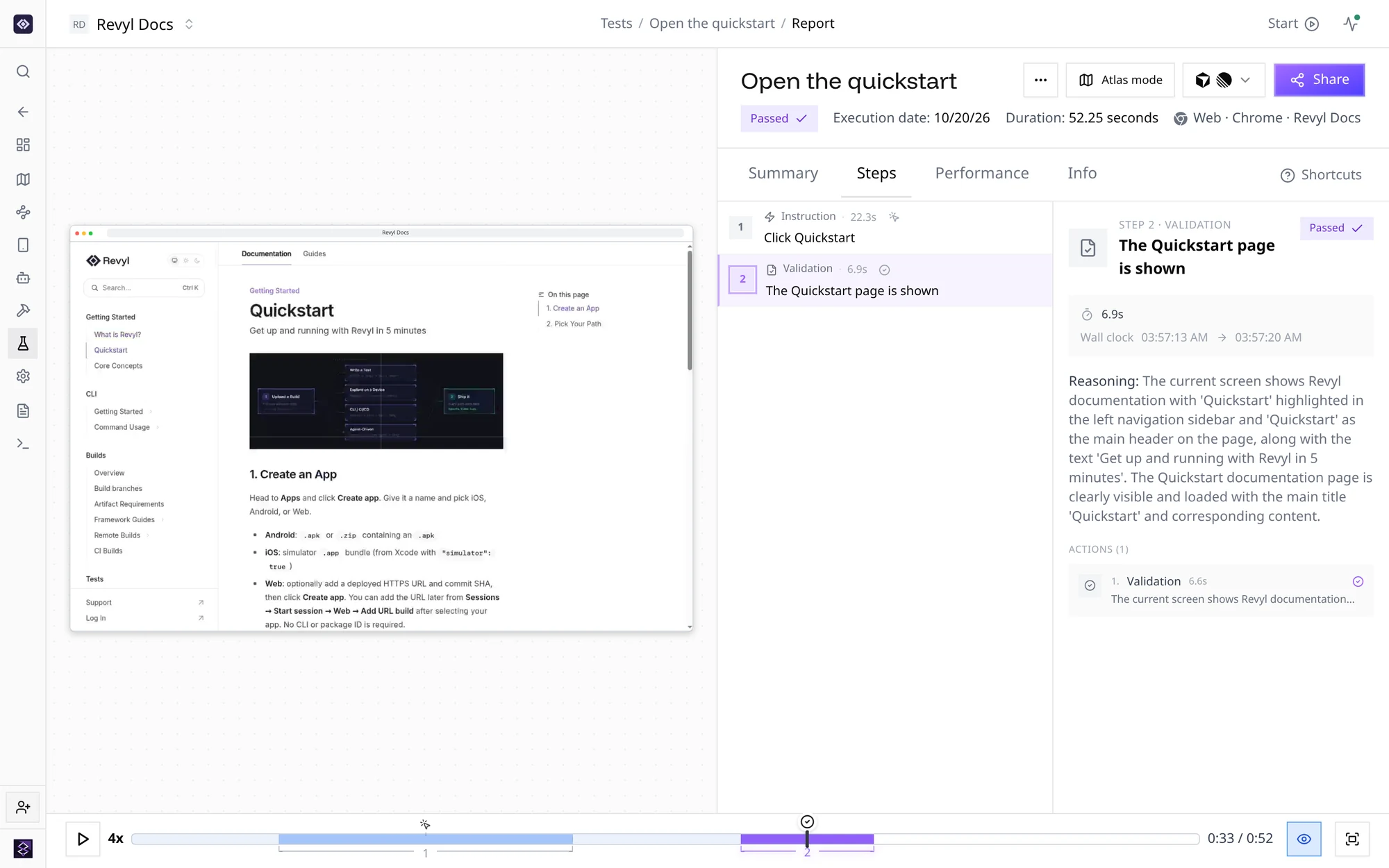
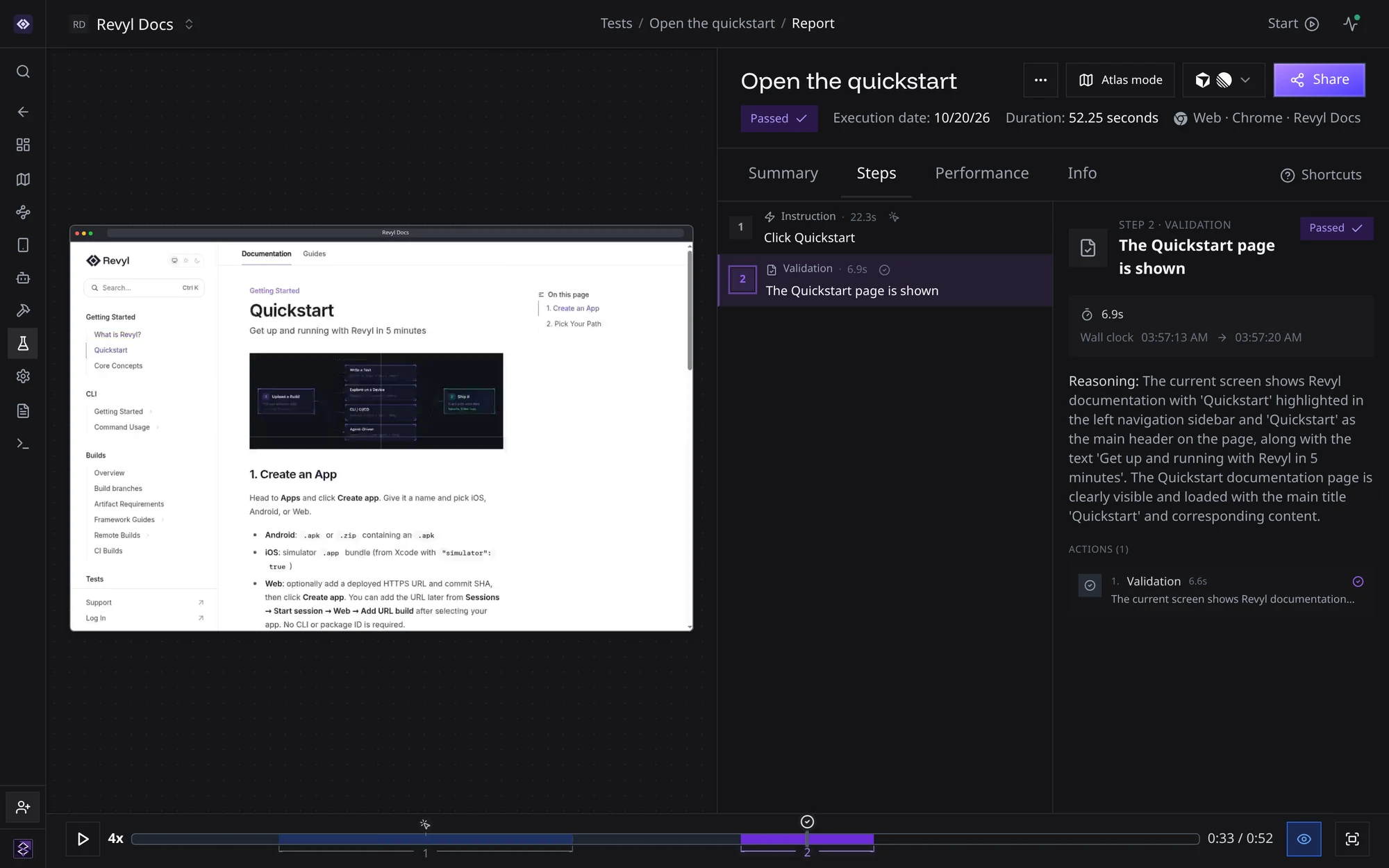
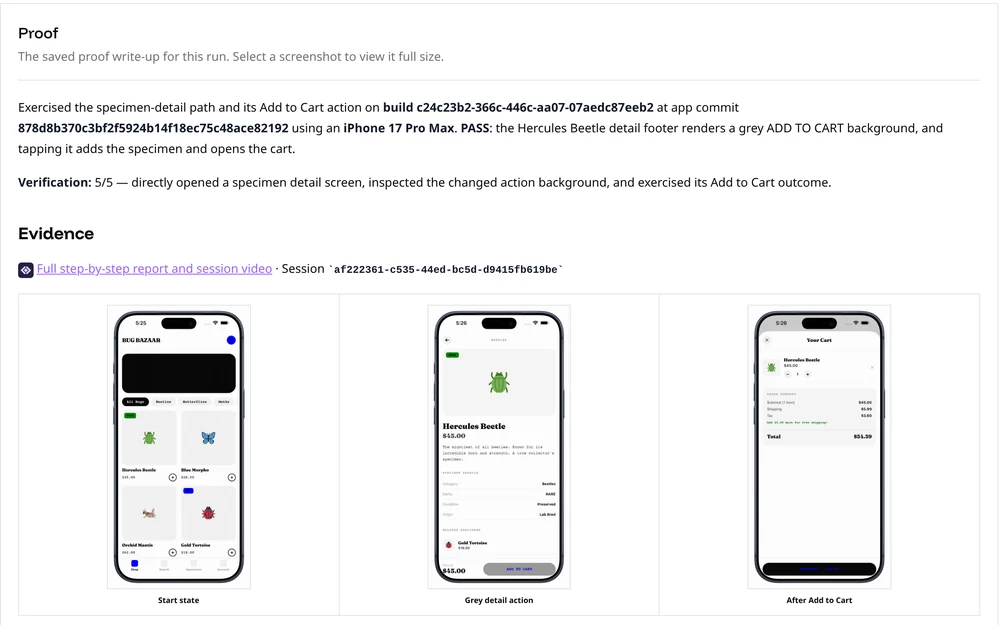
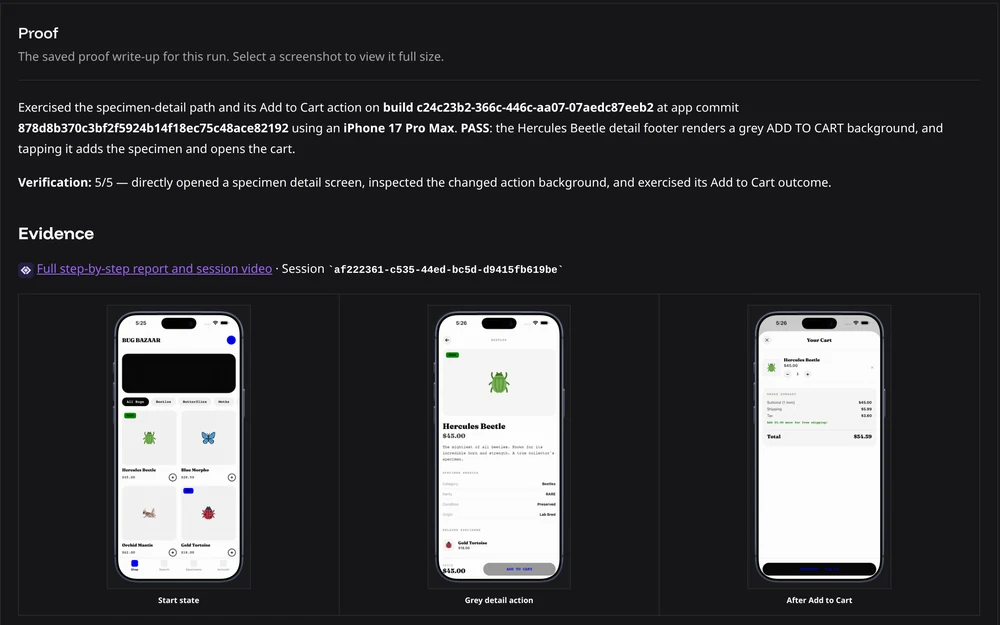
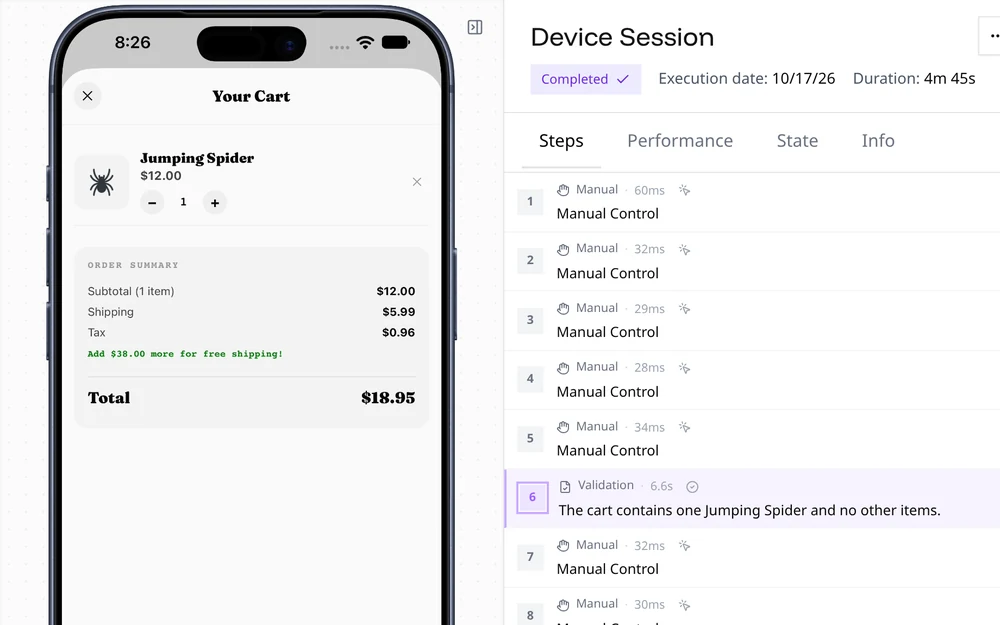
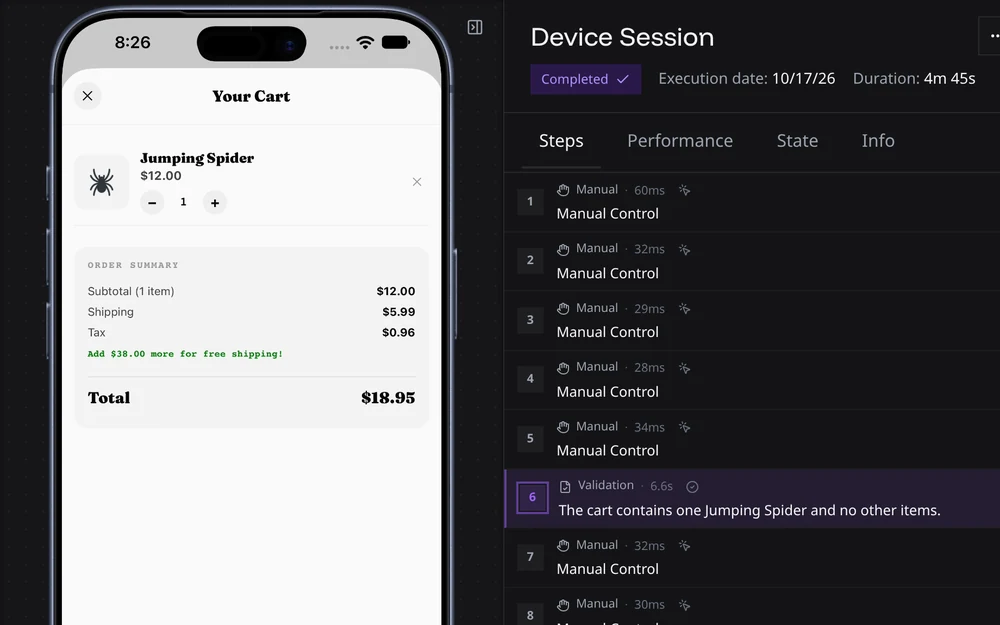
- Runtime evidence. Each run leaves a report with video, screenshots, logs, and network traffic.
- Verified behavior. Validation steps and the proof verdict record whether the app did what was intended.
- Stored behavior. Atlas adds the screens, pages, and transitions the run observed to your app's record.
- Questions. People open Atlas in the dashboard. Agents query it with
revyl atlasand the Atlas skill. - New intent. What you learn, such as a screen no test covers, becomes the next change, test, or exploration.
What Revyl handles
 Atlas
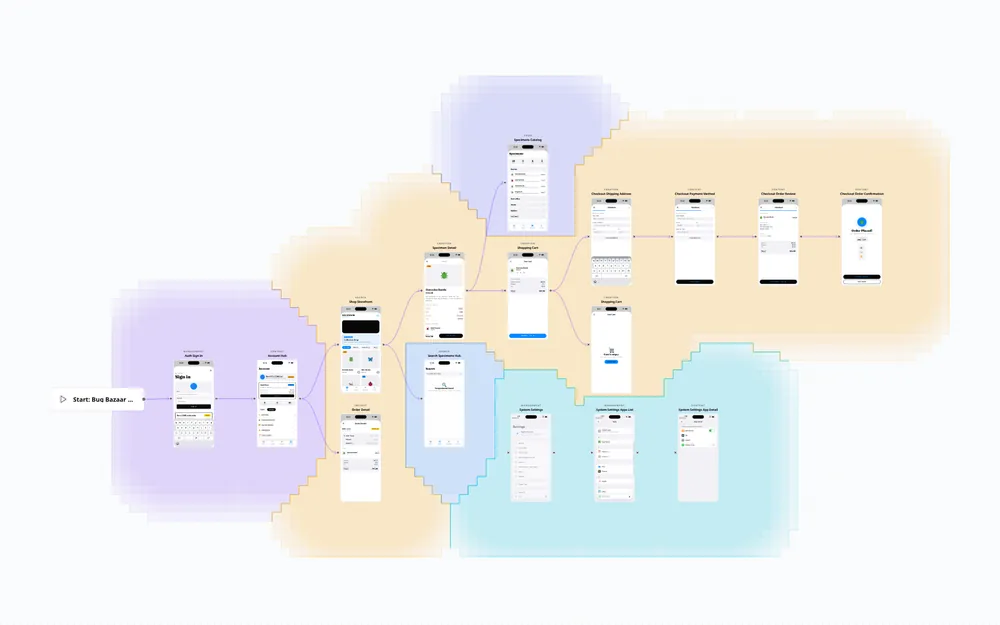
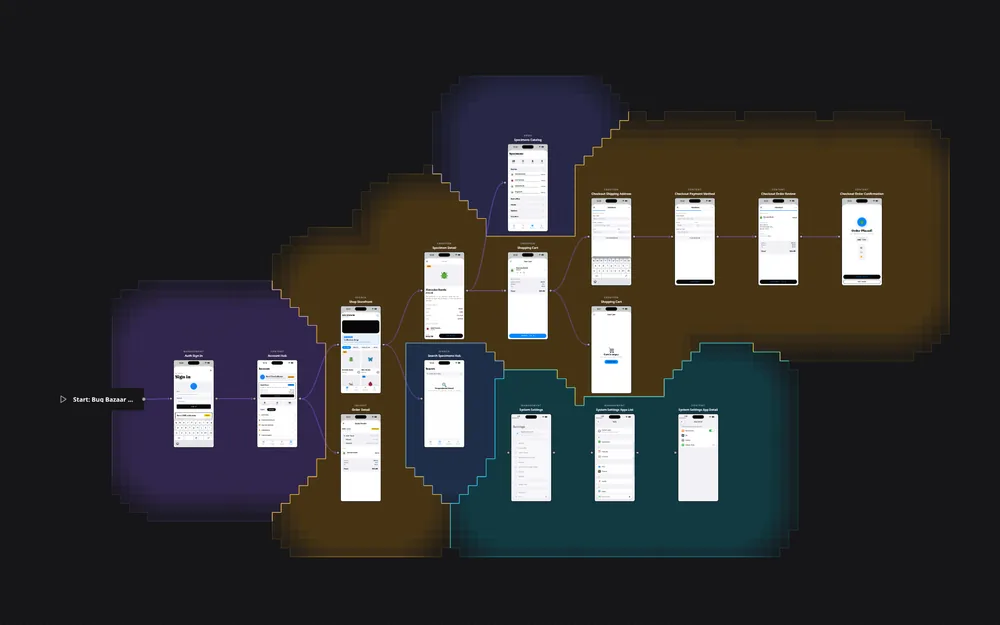
AtlasEvery screen, page, and transition Revyl has observed in your app, with the evidence behind each one.
 Proof of changes
An agent exercises each pull request in a live session and posts a verdict before review.
 Any coding agent
Cursor, Claude Code, Codex, and other agents drive your app in cloud sessions through the CLI, MCP, and agent skills.
 Runtimes
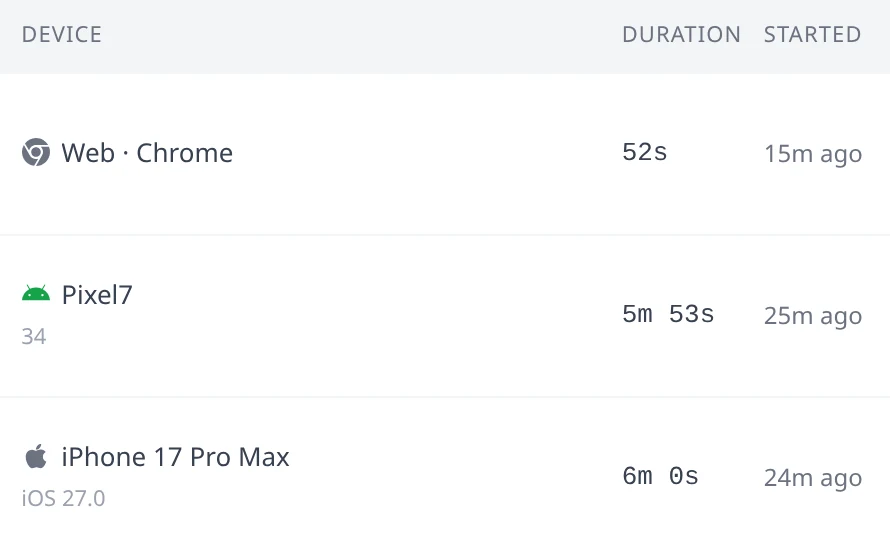
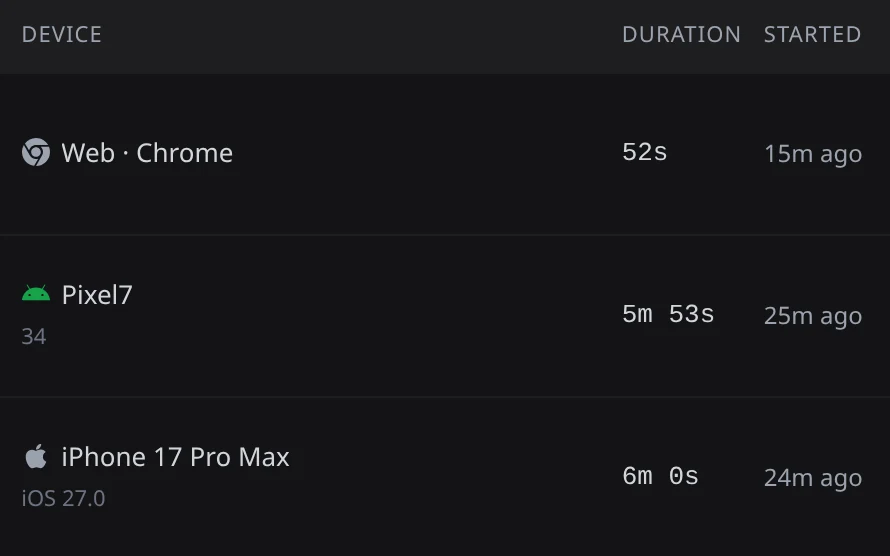
Sessions in Web browsers (alpha) and on iOS simulators and Android emulators, and macOS computers (alpha), for agents and people.
 Tests
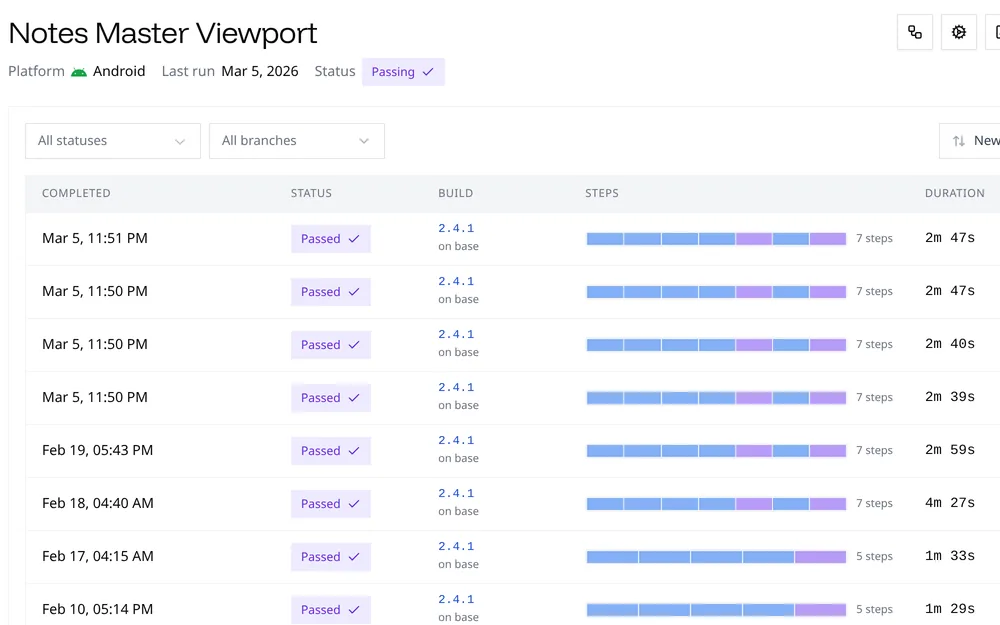
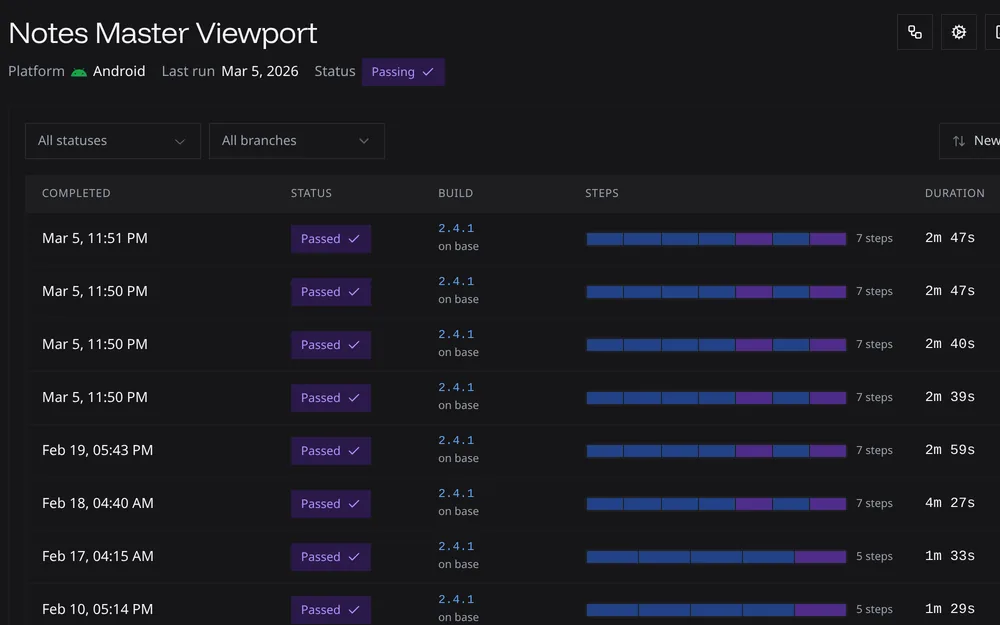
TestsWrite steps in plain English. An AI agent runs them and records video, logs, and network traffic.
 Builds
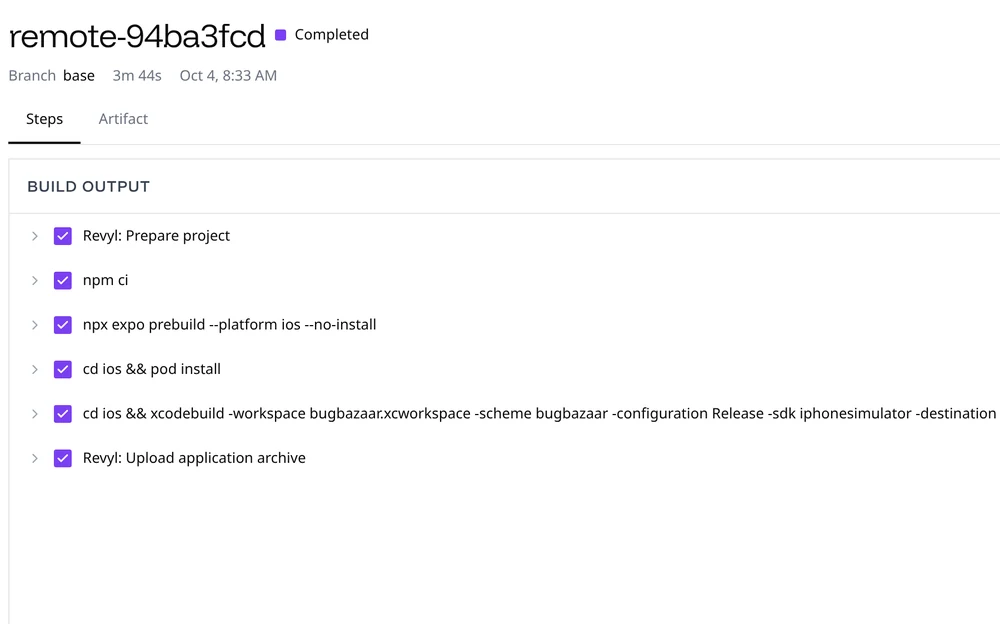
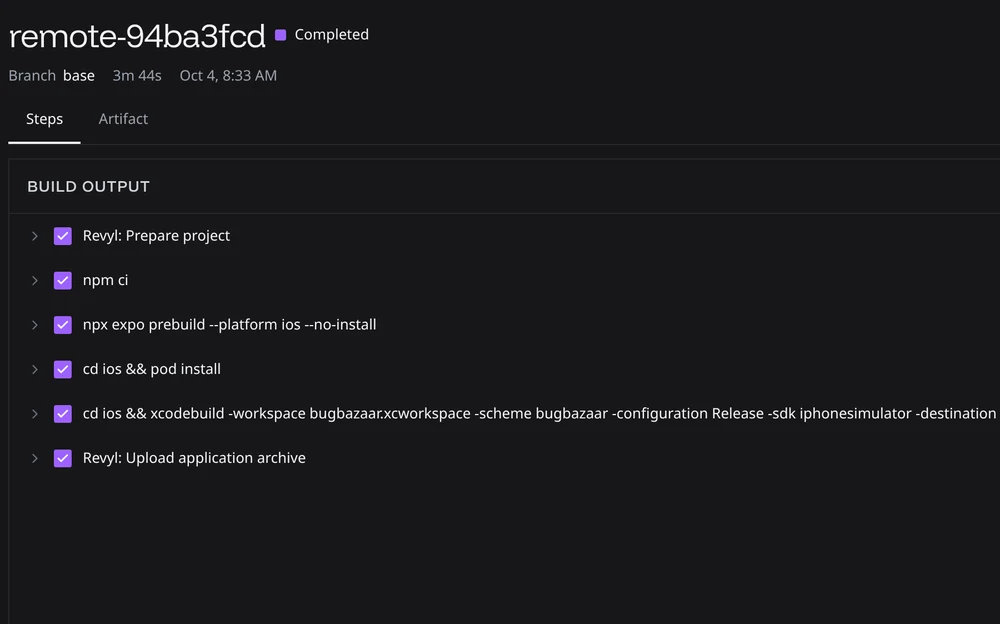
Upload builds or register Web previews (alpha) from your own CI, or build on Revyl's runners.
Keep going
Runtimes, evidence, Atlas, and the objects behind them
Build setup for Web (alpha), iOS, Android, React Native, Expo, Flutter, KMP, and Bazel
Modules, variables, scripts, and files you reuse across tests
GitHub, GitLab, Slack, Expo, Cursor, and Capy
IP allowlists and AWS PrivateLink
Every revyl command and flag